Real screens from the host42 consoles, with demo data. The org console is what your customers and teams use; the provider console is where you run the server.
The org console
Each organisation has its own console, on one public address for all orgs. Members see their
own org and nothing of anyone else's.
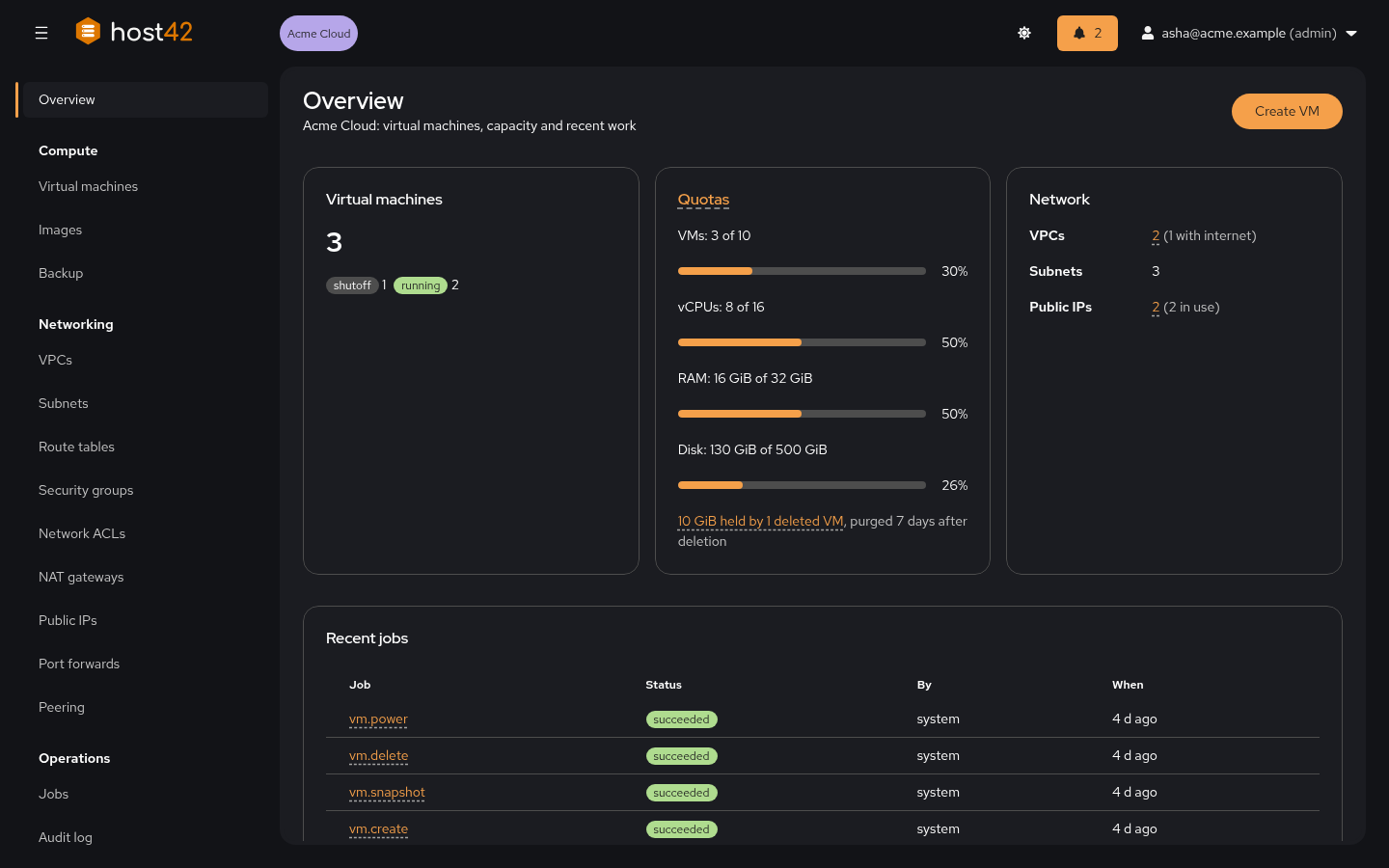
Org console · Overview
Overview: an org's VMs, its quotas and its networks at a glance, in dark mode.
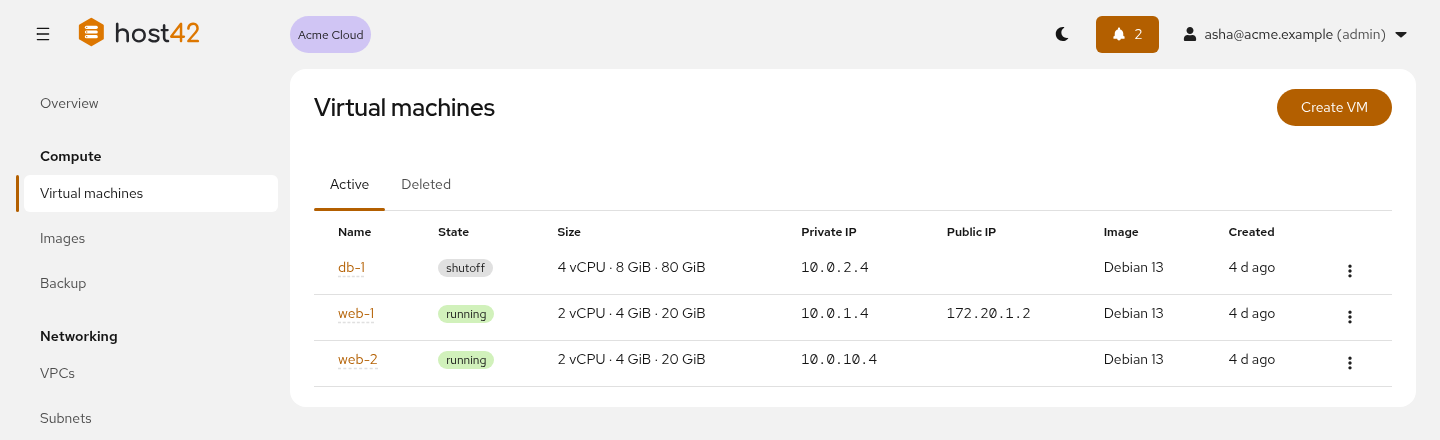
Org console · Virtual machines
Virtual machines: state, size, addresses and image.
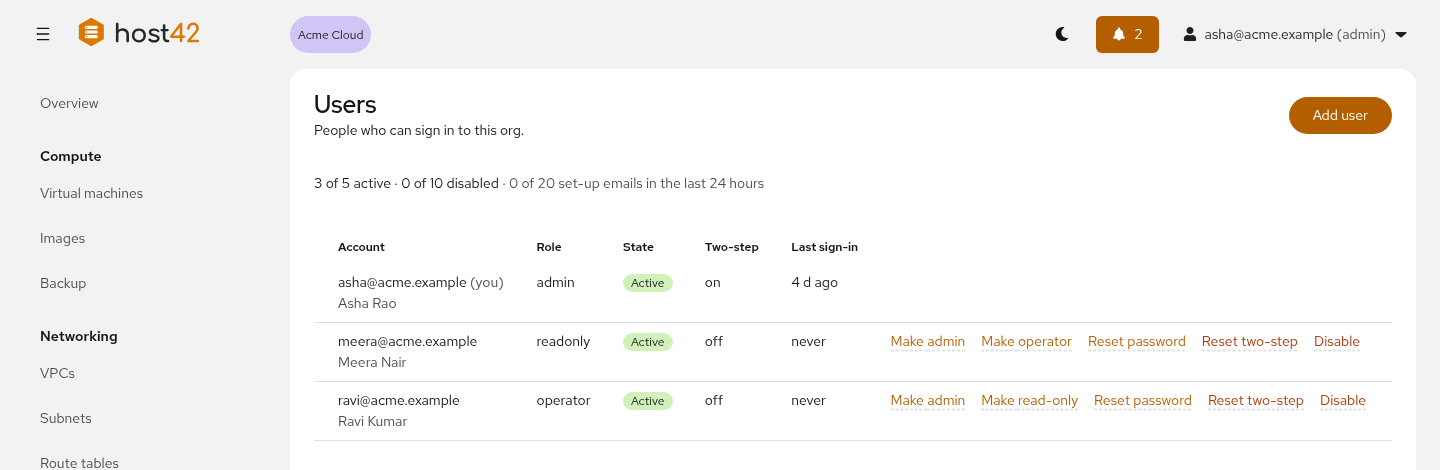
Org console · Users
Users and roles, with each person's two-step sign-in.
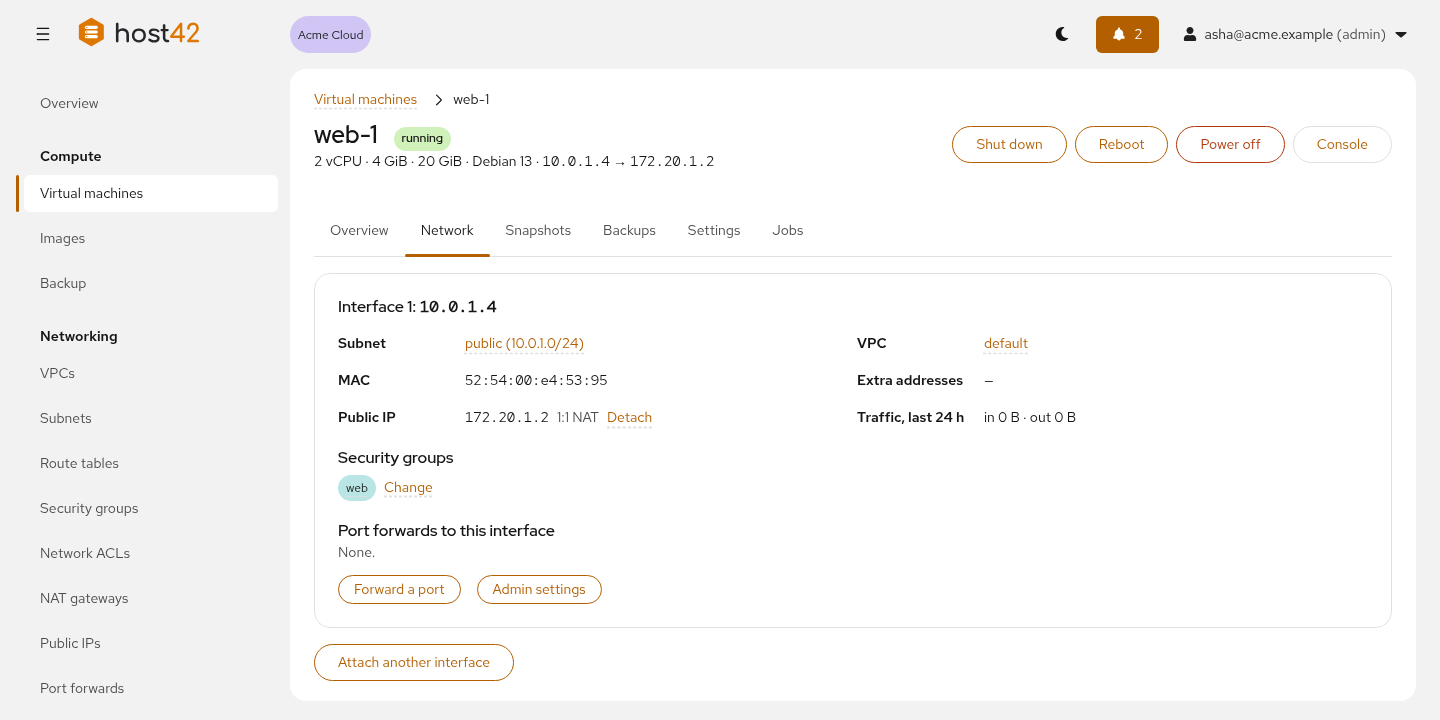
Org console · VM network
A VM's network: its interface, a public IP with 1:1 NAT, its security groups and port forwards.
Networking
Org console · VPC
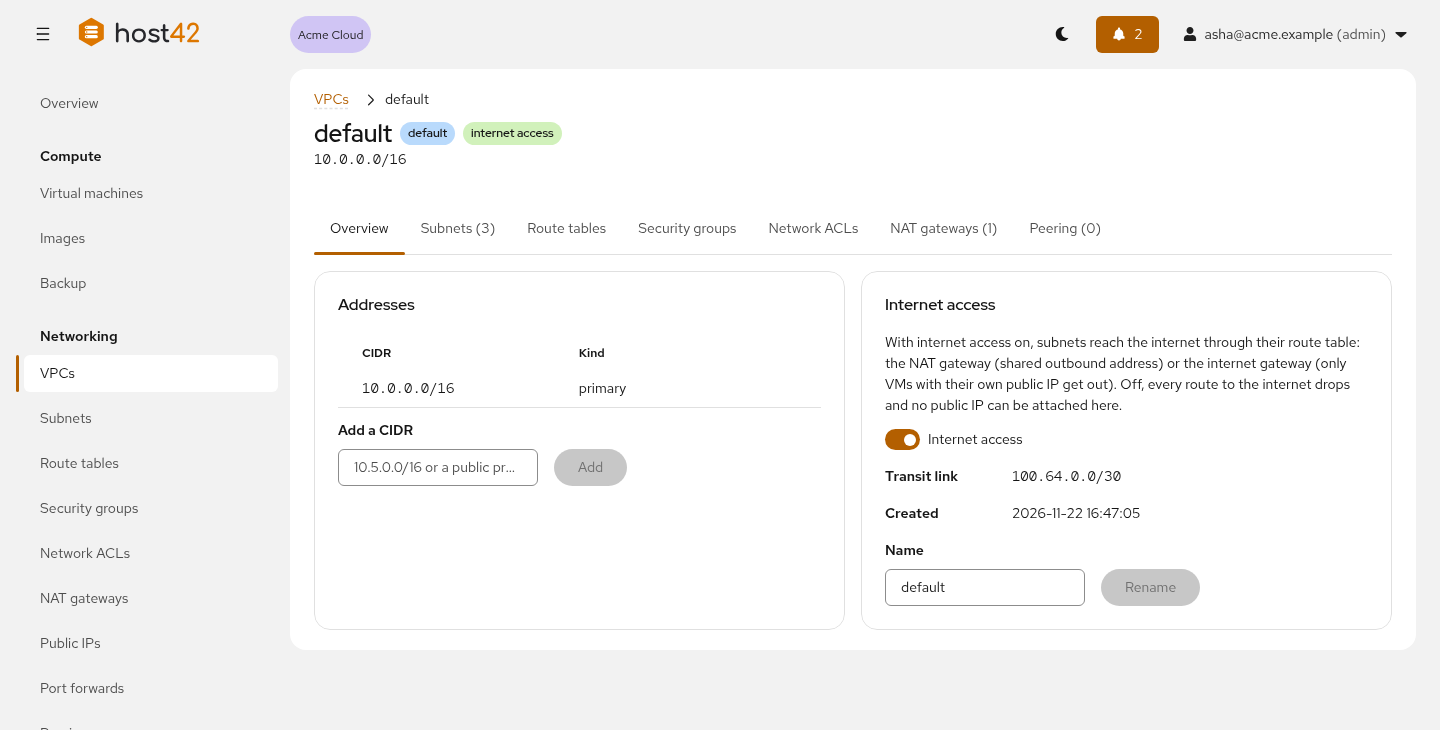
A VPC: its address ranges, its building blocks, and internet access switched on or off in one place.
Org console · Security group
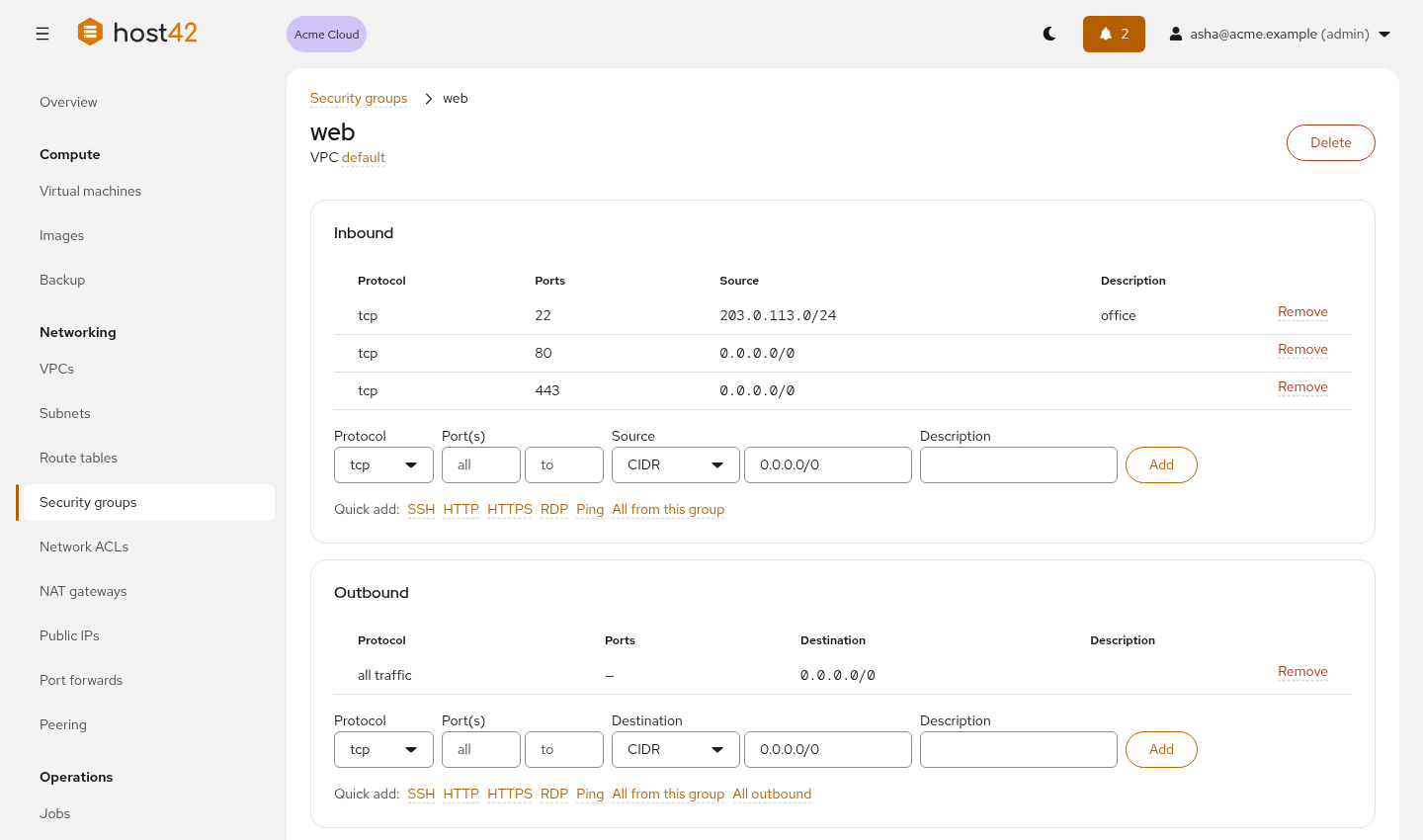
Security groups: inbound and outbound rules anyone can read, with quick-add buttons.
Org console · Route tables
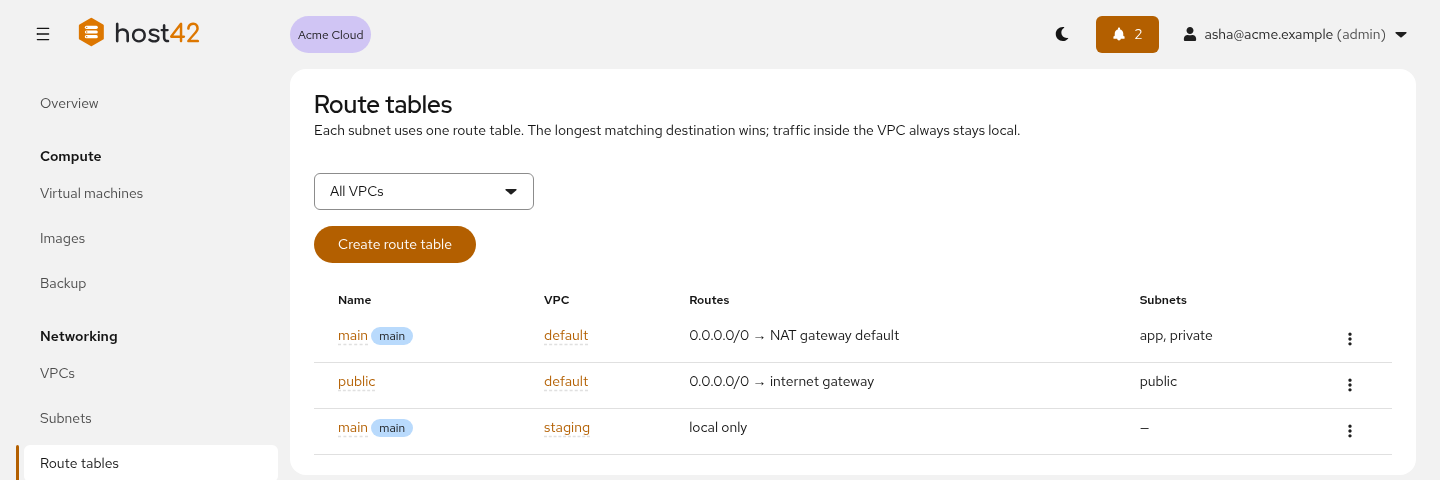
Route tables: where each subnet's traffic goes.
Org console · Public IPs
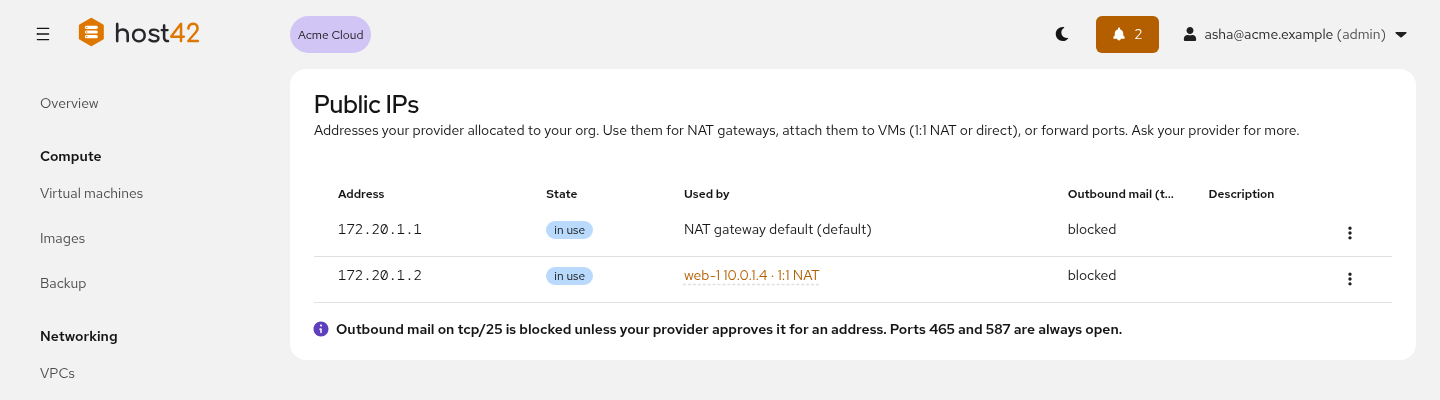
Public IPs your provider allocated, and what uses each one.
Backup and operations
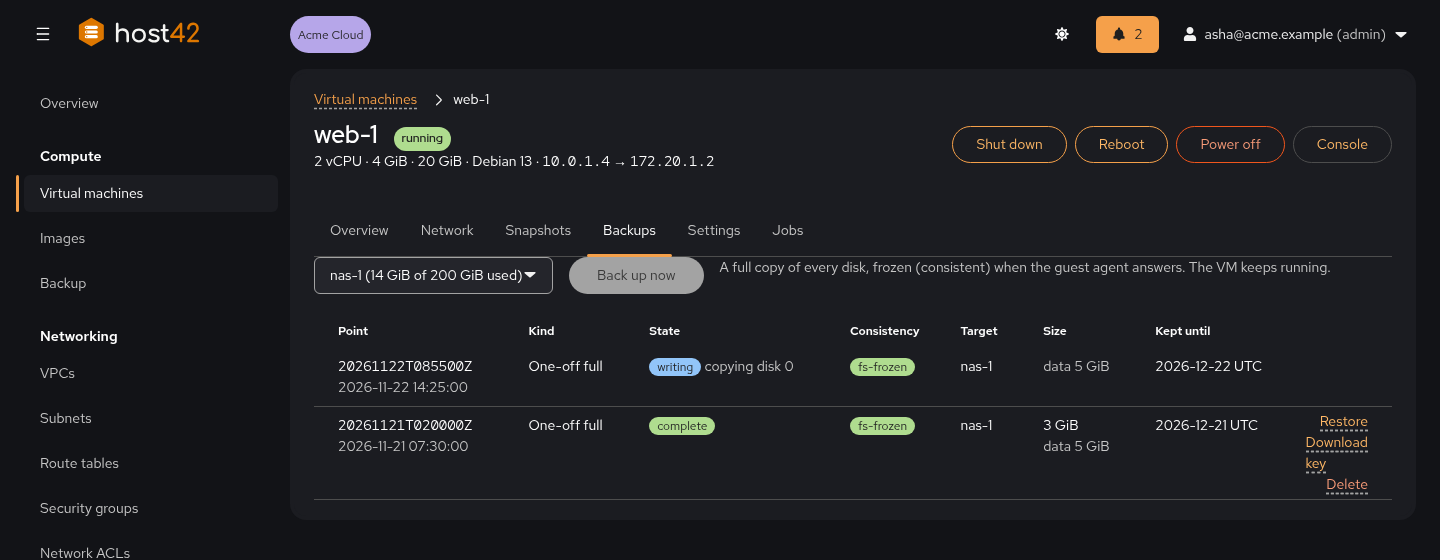
Org console · VM backups
A VM's backups: back up now, encrypted, to your provider's NAS.
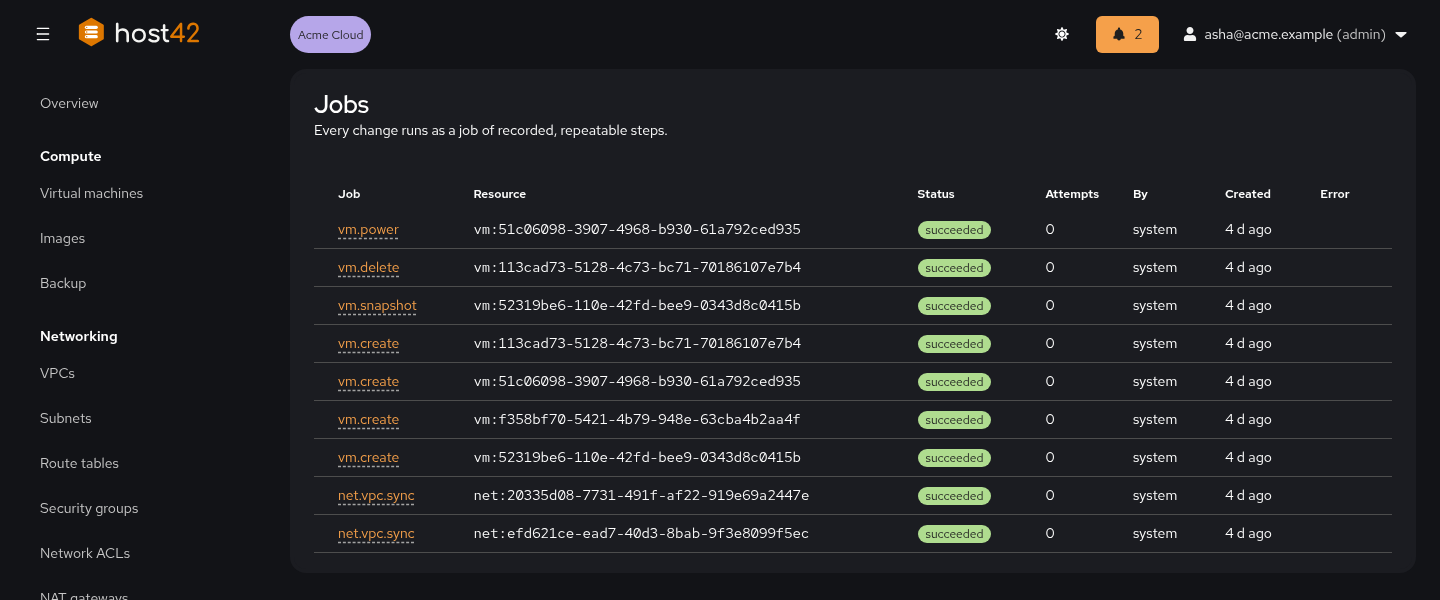
Org console · Jobs
Jobs: every change runs as recorded, repeatable steps.
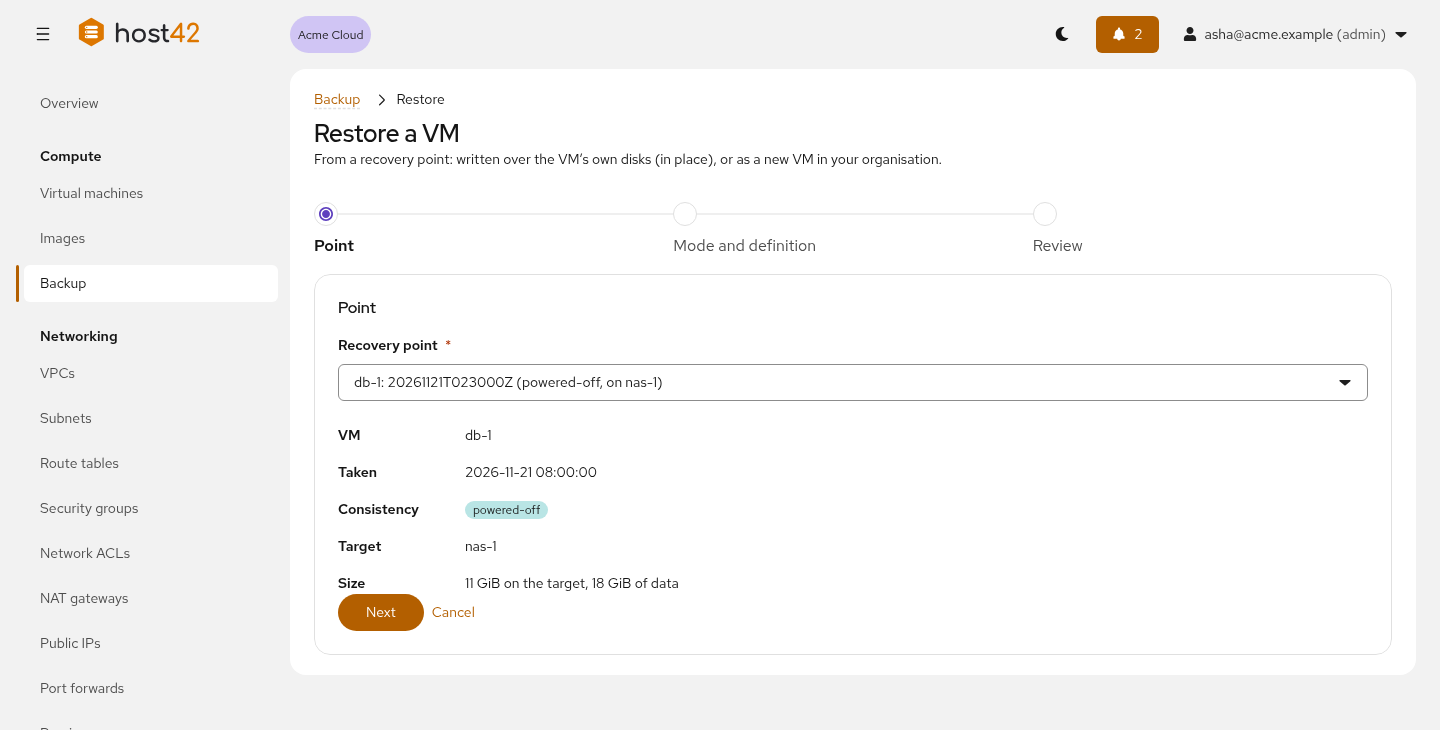
Org console · Restore a VM
The restore wizard: choose a point, then in place or as a new VM.
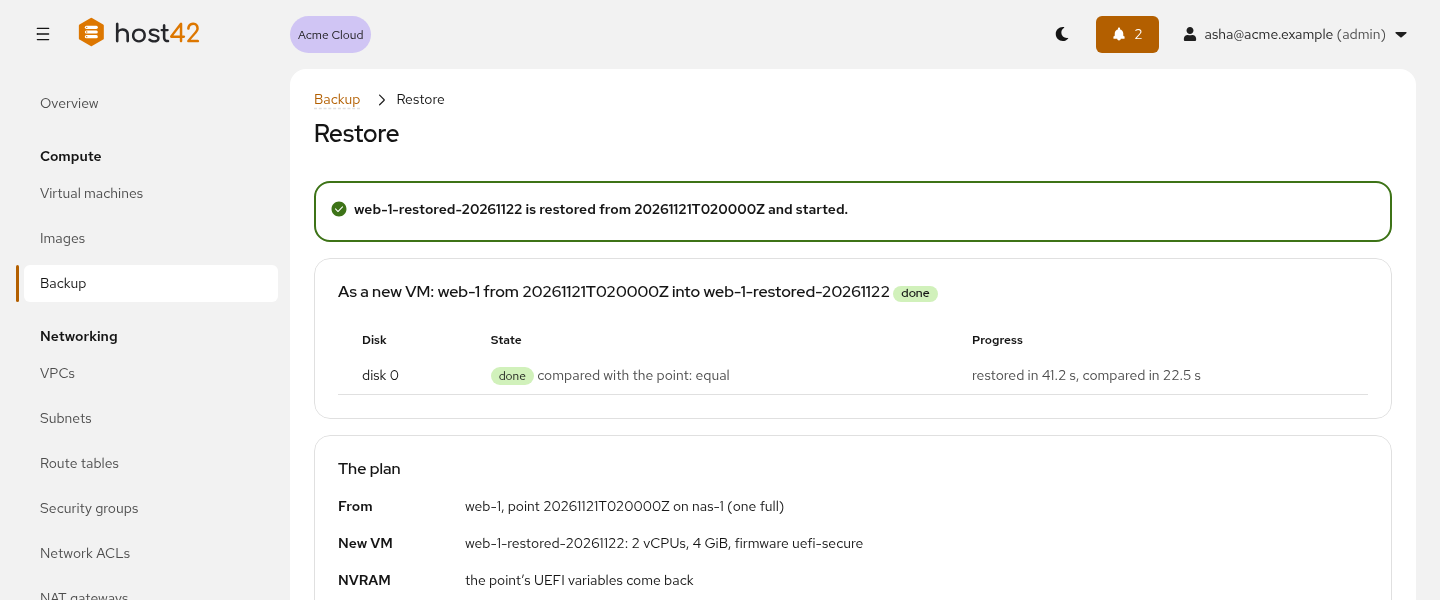
Org console · Restore
A finished restore, every disk compared with the backup.
The provider console
The provider console runs only on the server's private management address. This is where the
provider creates orgs, sets quotas, hands out public addresses and adds backup storage.
Provider console · Overview
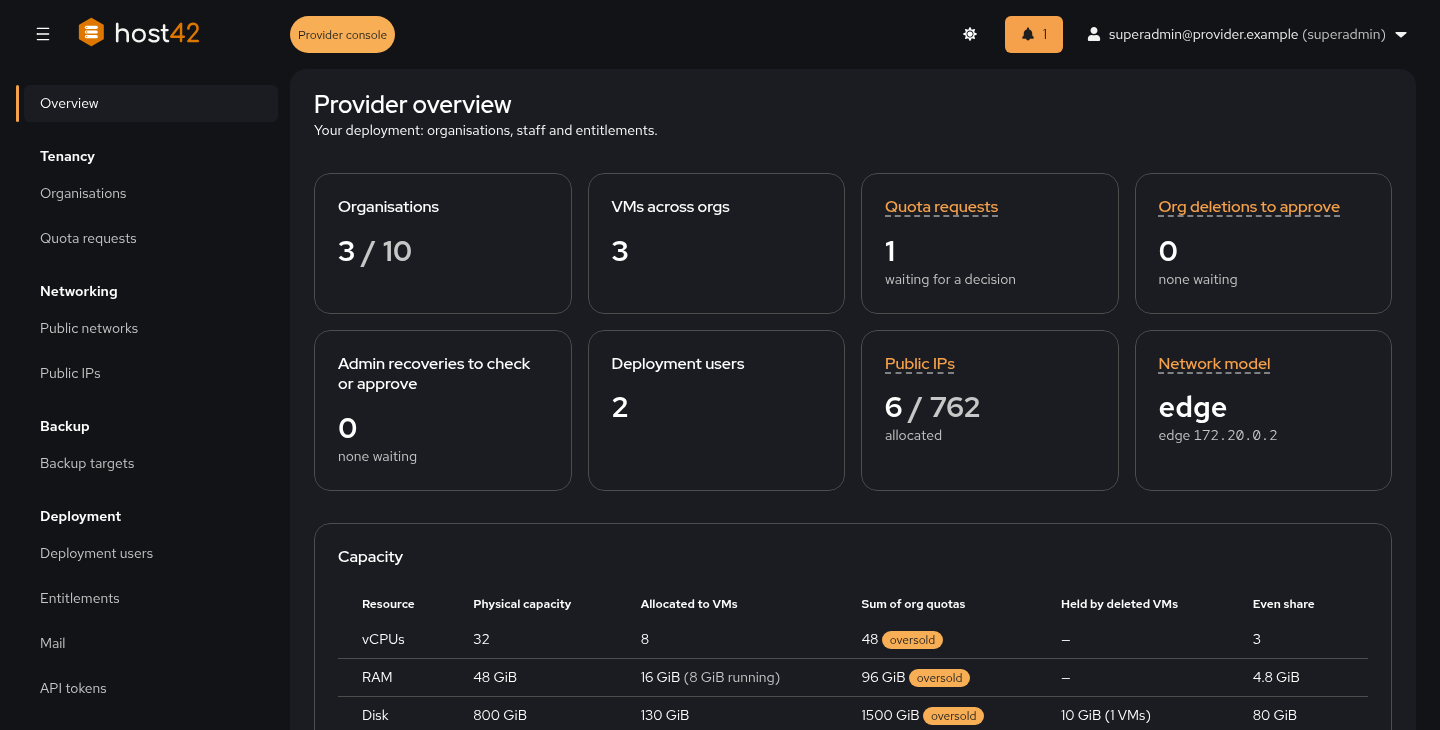
The provider's overview: orgs, VMs, open requests, public IPs and the server's capacity.
Provider console · Organisations
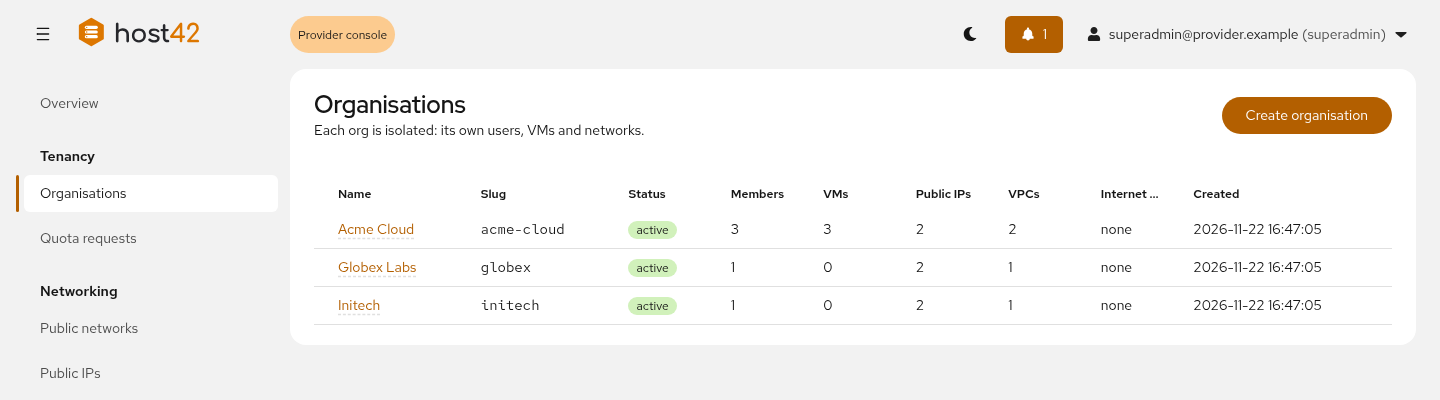
Organisations, each isolated from the others.
Provider console · Quota requests
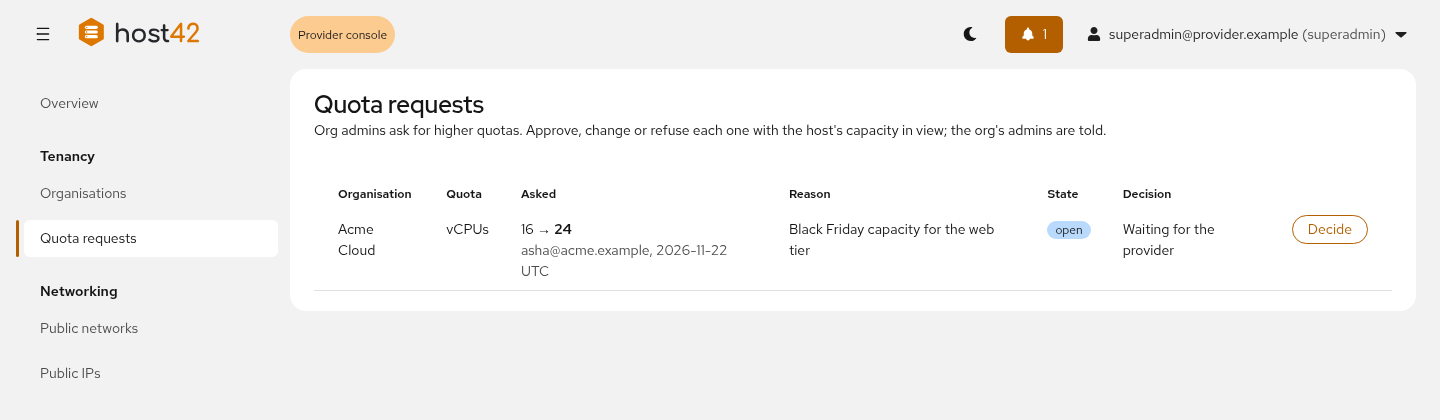
Quota requests, decided with the server's capacity in view.
Provider console · Public IPs
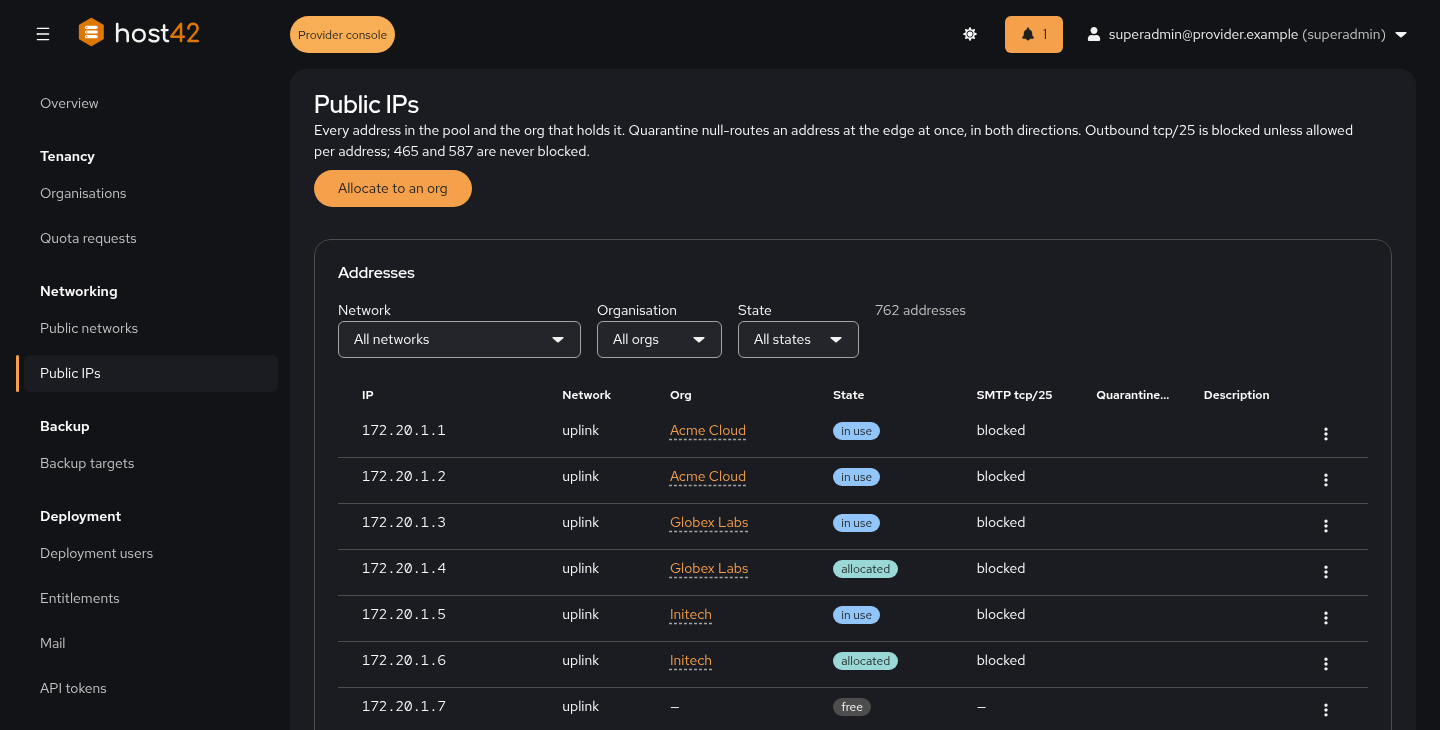
Every public address and the org that holds it; quarantine an address in one step.
Signing in
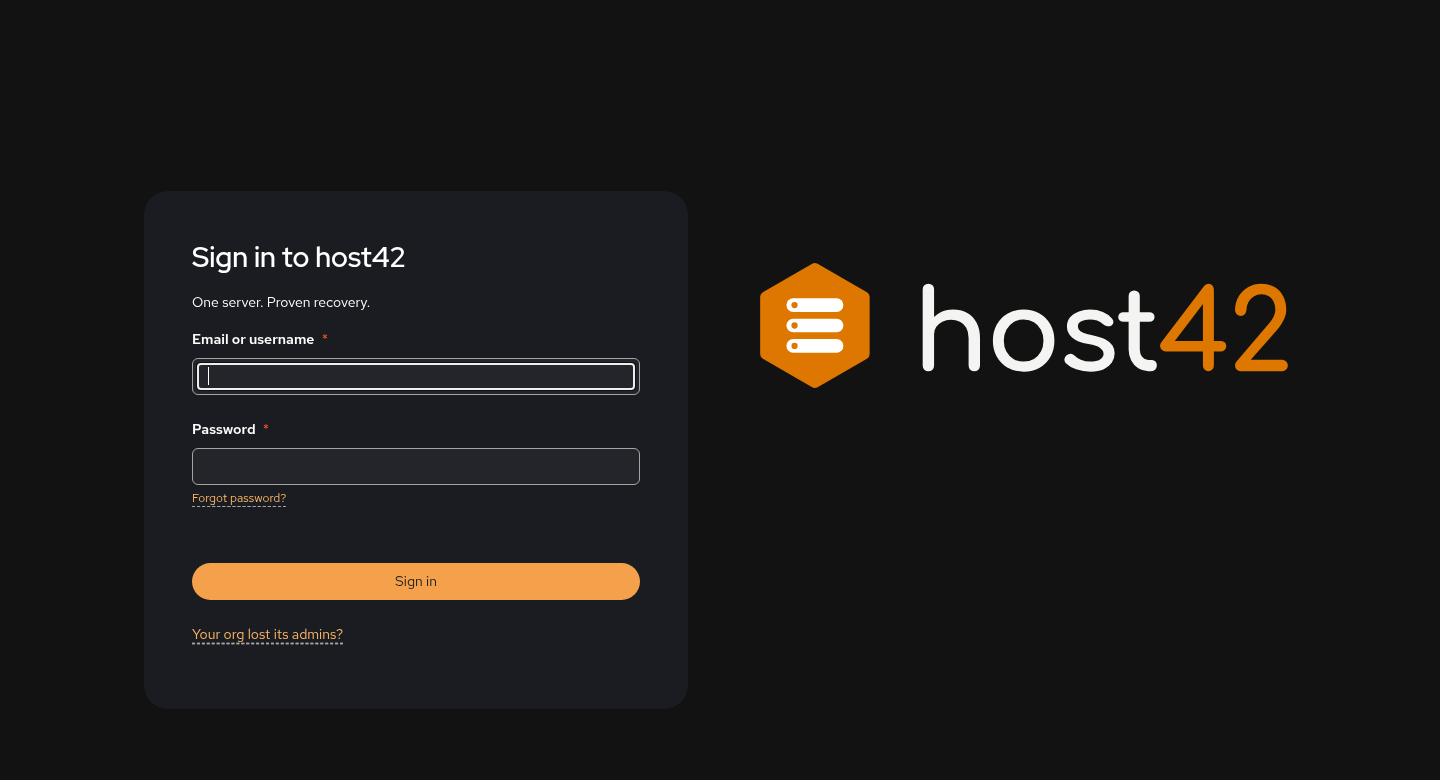
Sign in
Sign-in, with two-step verification for every user.
Want to see it live, on hardware like yours? Talk to us: the consultation is free.